News ticker
Headlines from 16 publishers you can mix (BBC, Times of India, NPR, NBC, CNBC, Hindustan Times, Mint, Hacker News and more) or any RSS feed, by section. A smart filter drops how-tos, listicles and promos, and you can mute words.
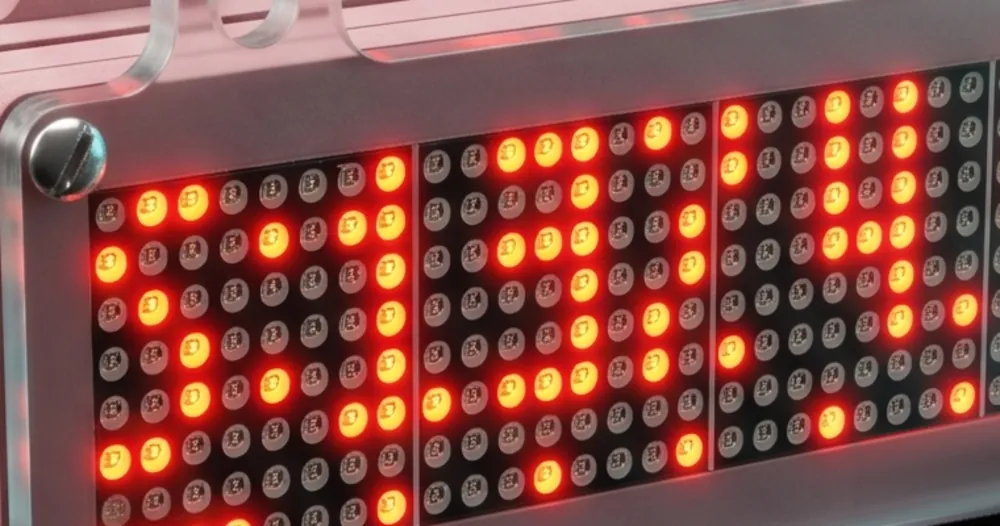
VibeClock shows your Claude and Codex limits on a glowing LED matrix, plus the time, news, weather and markets. Set up in a minute from your phone.

Halfway through a refactor, deep in a long agent run, five minutes before a demo. The limit was always there; you just could not see it. VibeClock puts it on your desk, where your eyes already are.
Your Claude 5-hour session and weekly limit as percentages, with live progress bars and the time until each one resets. The same for ChatGPT Codex.


Switch on the panels you want and VibeClock rotates through them, each for as long as you like. Every one is set up from the console on your phone or laptop.
Headlines from 16 publishers you can mix (BBC, Times of India, NPR, NBC, CNBC, Hindustan Times, Mint, Hacker News and more) or any RSS feed, by section. A smart filter drops how-tos, listicles and promos, and you can mute words.
For your city or PIN code: temperature, feels-like, humidity, wind, rain, plus sunrise, UV, air quality and moon phase.
Crypto, stocks, indices and currency, with alerts when a price crosses your line.
Big digits, optional seconds, 12 or 24 hour, any time zone, and a world clock for the cities you pick. Date in 12 formats.
YouTube subscribers, GitHub stars and followers, Instagram followers, with a celebration on every milestone.
CI build results, website uptime and commits today. A failed run or a site going down scrolls an alert with beeps.
Hindu panchang, Hijri date, festivals and India's public holidays, computed on the clock itself.
Days to your launch, a nudge to drink water, a stand-up call. Reminders ring with beeps.
For shops and clinics: step the token number up or down from a phone, and the display jumps to it.
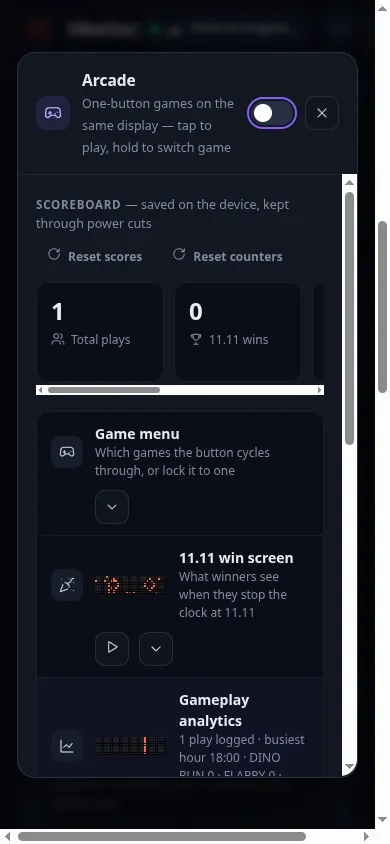
Three one-button games (Dino Run, Flappy and the 11.11 reaction test) with high scores. Press the button to play.
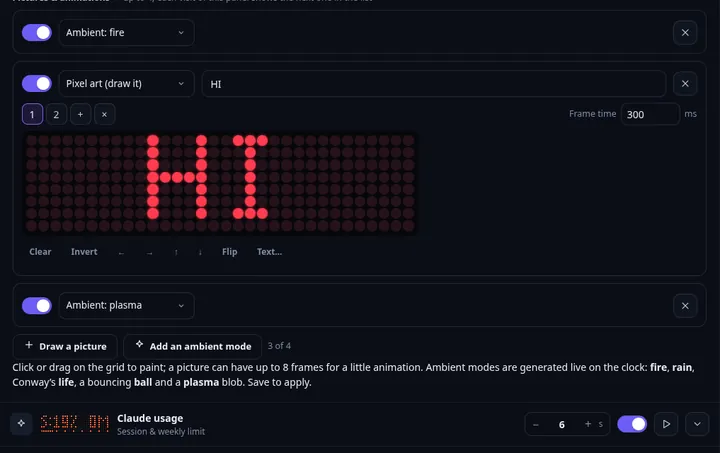
Draw your own frames, or pick from 15 ambient animations to run between panels.
Your own scrolling lines, up to 20 saved and each switched on or off. Shop timings, a welcome note, an offer.
Healthy-lifestyle tips that drift by between panels. Edit the list to make them your own.
Live scores from ESPN feeds, cycling through the matches you follow.
11 panel-change animations, 4 fonts, 16 brightness levels, an inverted (negative) display and scroll speed per panel. Chain up to four displays for a 128-pixel-wide sign.
Plus three one-button arcade games, and anything your own scripts push through the API.
Built for a developer's desk, and just as useful anywhere people glance up.
Your AI limits, the build status and the time, in the corner of your eye.
A token display customers can read across the room, driven from your phone.
A welcome line, today's notice, festival greetings, the weather outside.
All of it on one desk clock.₹1,000 incl. GST + ₹200 shipping. No subscription, free updates.
Buy VibeClockNo accounts to create with us and no cables to a computer. The free Android app finds every VibeClock on your WiFi by itself.
Any USB phone charger. The clock lights up and opens its own setup hotspot.

It finds your clock on the WiFi in a few seconds and remembers it.
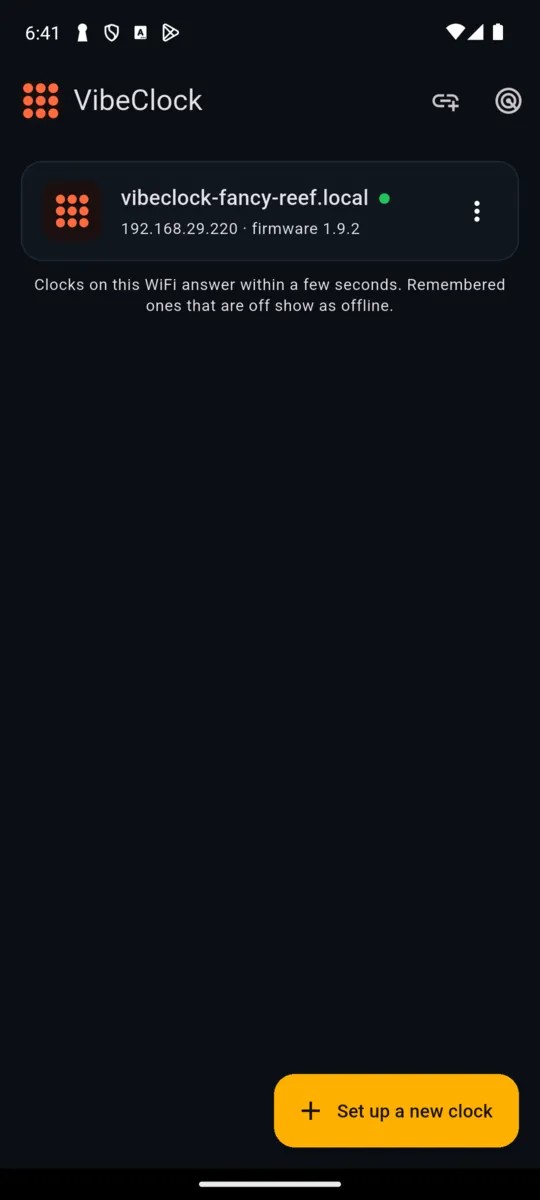
One tap opens the console with a live mirror of the matrix. Switch panels on and you are done.

No Android? The same console works in any browser on the same WiFi, and installs to your home screen as a web app.


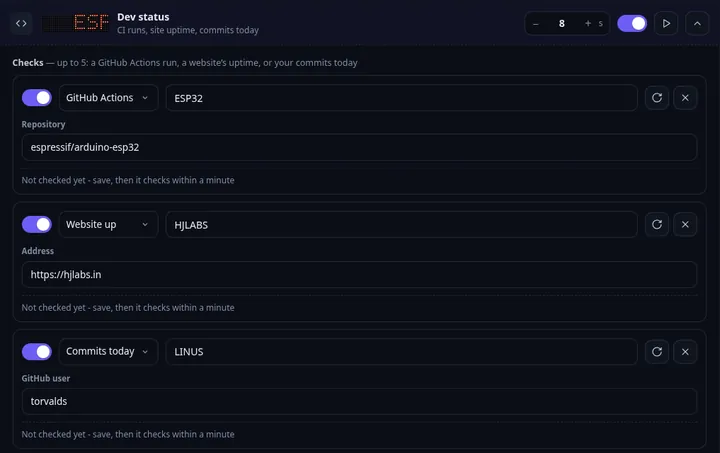
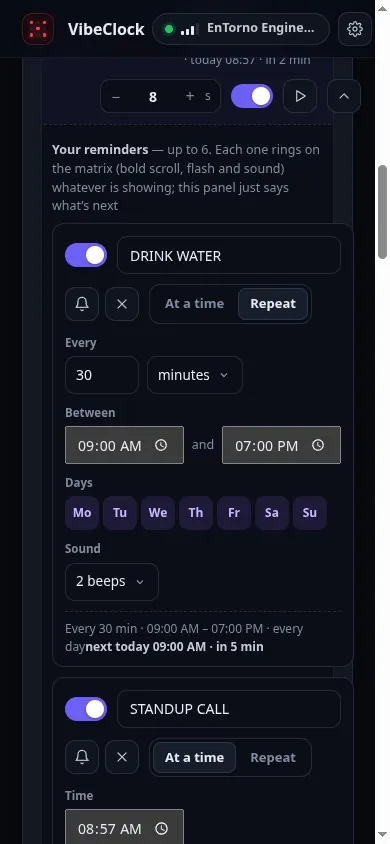

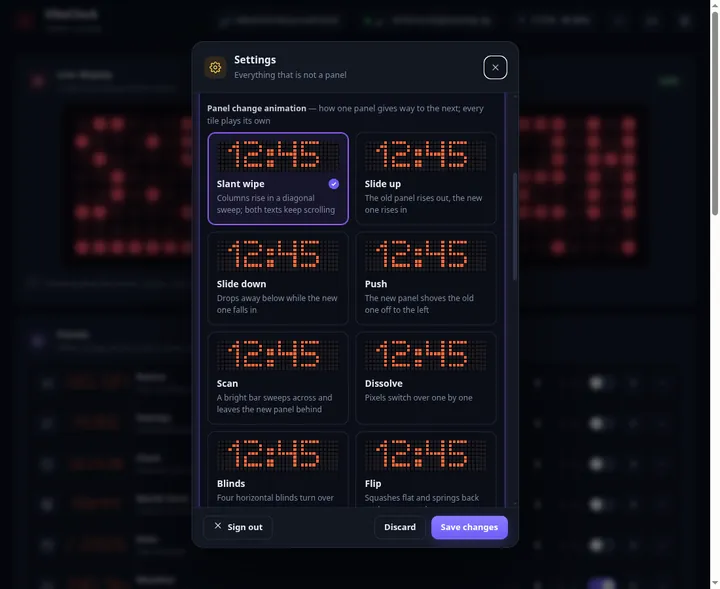
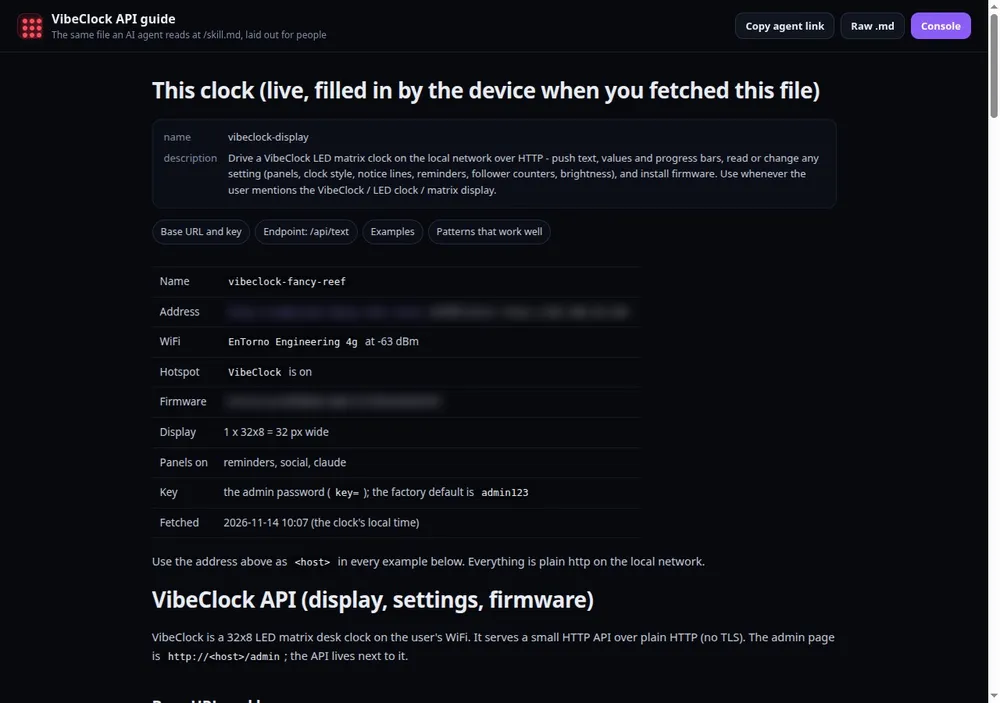
VibeClock has an open HTTP API on your local network. Push a message when a build finishes, show a progress bar for a long job, or beep when an agent needs you. The clock serves its own guide, with a skill file your AI agent can read and use straight away.
| Display | 32 x 8 red LED dot matrix (4 x 8x8 modules), 16 brightness levels; chain up to 4 for 128 x 8 |
|---|---|
| Brain | ESP8266 WiFi microcontroller (2.4 GHz WiFi) |
| Controls | One push button, piezo buzzer for alerts and tunes |
| Power | USB, 5 V |
| Case | Laser-cut acrylic with wall and shelf mounting tabs |
| Setup | Android app, or any browser via the clock's own hotspot |
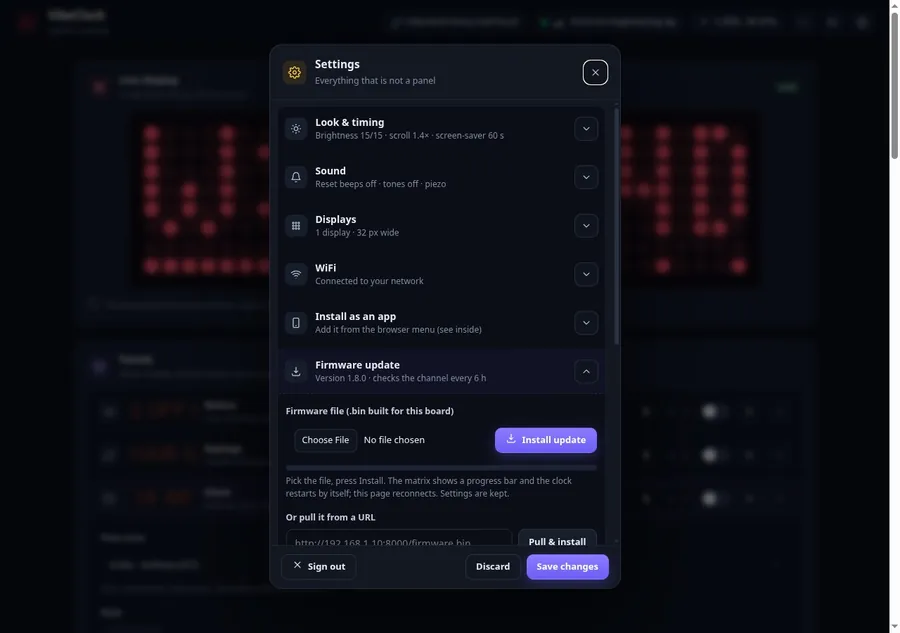
| Updates | Over the air and USB; free |
| Firmware | 1.9.2 |
Finds every VibeClock on your WiFi automatically and opens its console in one tap.

Android may ask you to allow installs from your browser the first time. The app is free and talks only to clocks on your own WiFi.
iPhone: coming soon; use the web console in Safari meanwhile.
No. The clock and the app are yours, and firmware updates are free.
Claude (Pro and Max plan usage) and ChatGPT Codex usage. You link your account once from the clock's console.
No. The app just finds the clock for you. Everything also works from any browser on the same WiFi.
2.4 GHz home or office WiFi.
The clock talks directly to the services you enable (Claude, weather, news feeds and so on). There is no hjLabs.in cloud in between.
Yes. Chain up to four displays for a 128-pixel-wide sign.
Restart the clock four times in a row, within 15 seconds each time, and the password returns to the default.
The Android app is out now and an iPhone app is coming. Meanwhile the full console works in Safari on the same WiFi.

Delivery and returns: see our shipping policy and refund and returns policy.